Hi Tom,
If you type associate in the windows search box and select the suggestion at the top
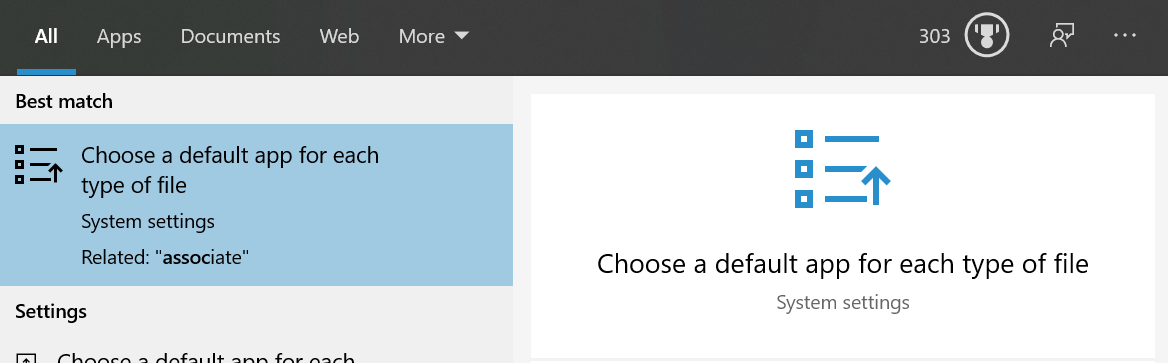
You should then see this .blw is set to open Sailing Scoring Software
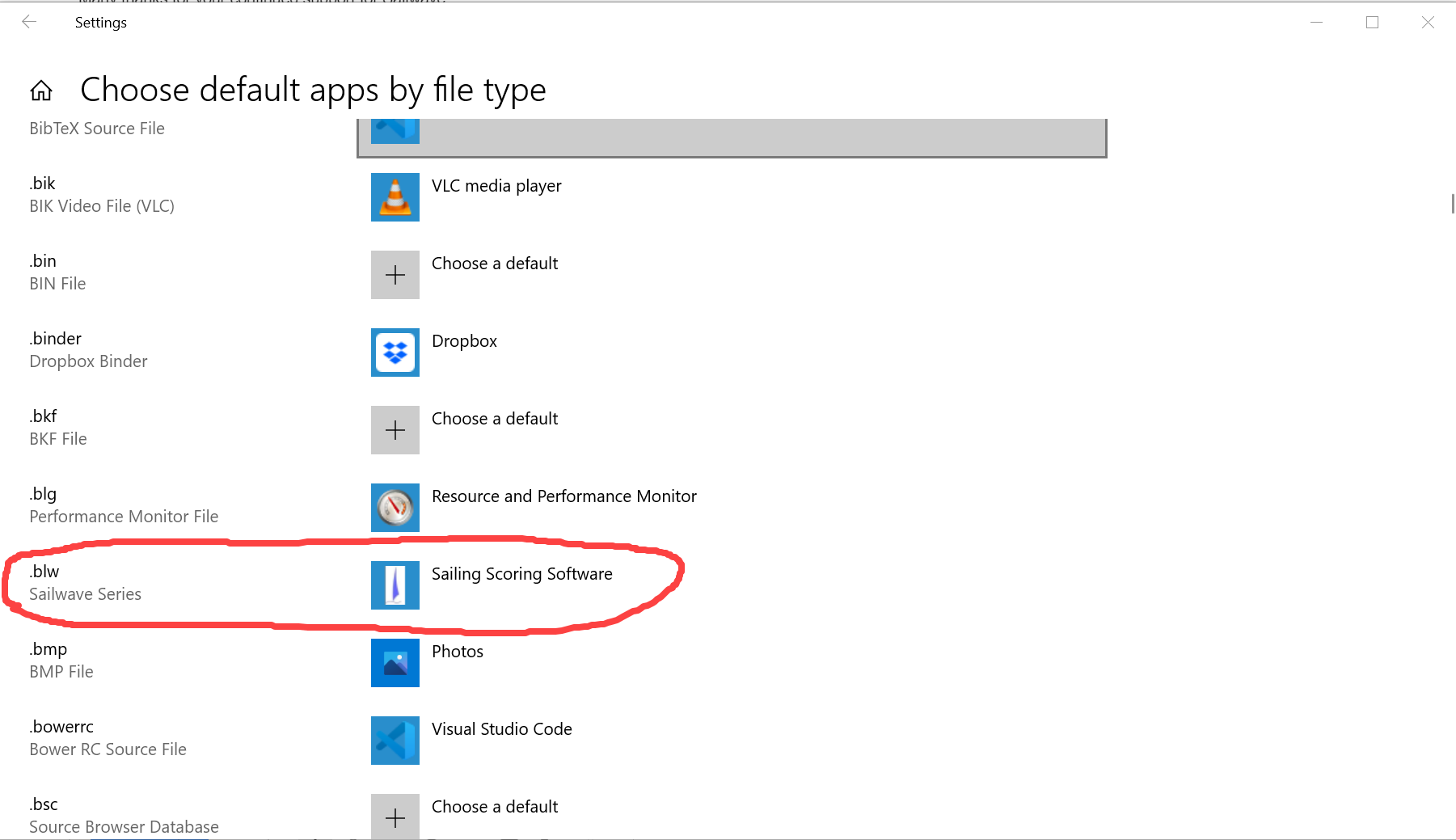
I guess these are probably correct but just check
As long as this is correct double clicking a .blw should start Sailwave with the filename in the command (This is a Windows feature not Sailwave)
You can check what Sailwave received by looking at the Log file - Select Menu Help Log book

You should see something like this. The first line should be the Drive path and name of the file.
Let me know what you see.
It may also be worth trying the file in a different location i.e. a different drive and see if it works
If the Windows tab is red it is because Sailwave can see another application open with the Sailwave name if you tap the Window option it will show you what the other or others are and you can switch to it by selecting it
It generally is useful as a warning that you may already have the file open in another instance.
The open recent series window does allow quite a long path and name but if they are very long then you may have a problem but they are in order of the files you opened - I’ll have a look and see if I can do anything with the scroll bar next time I’m working in that area
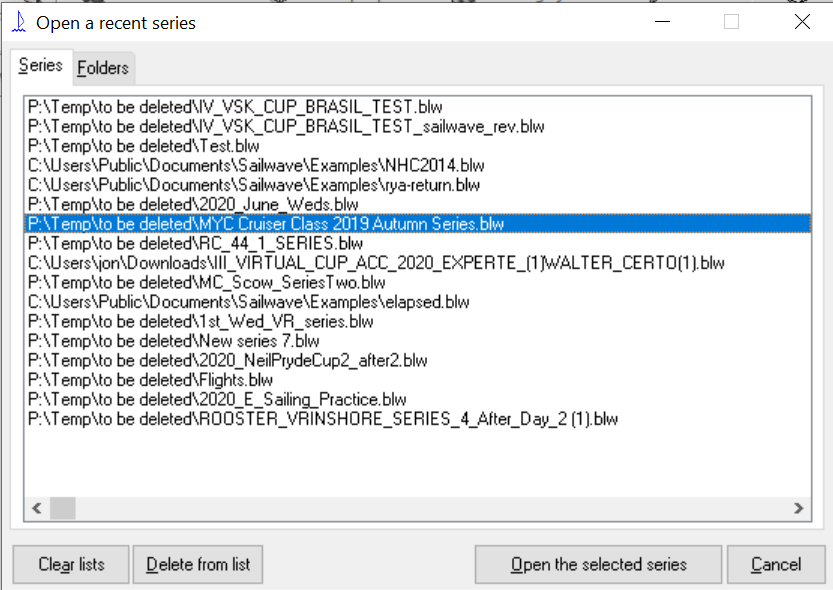
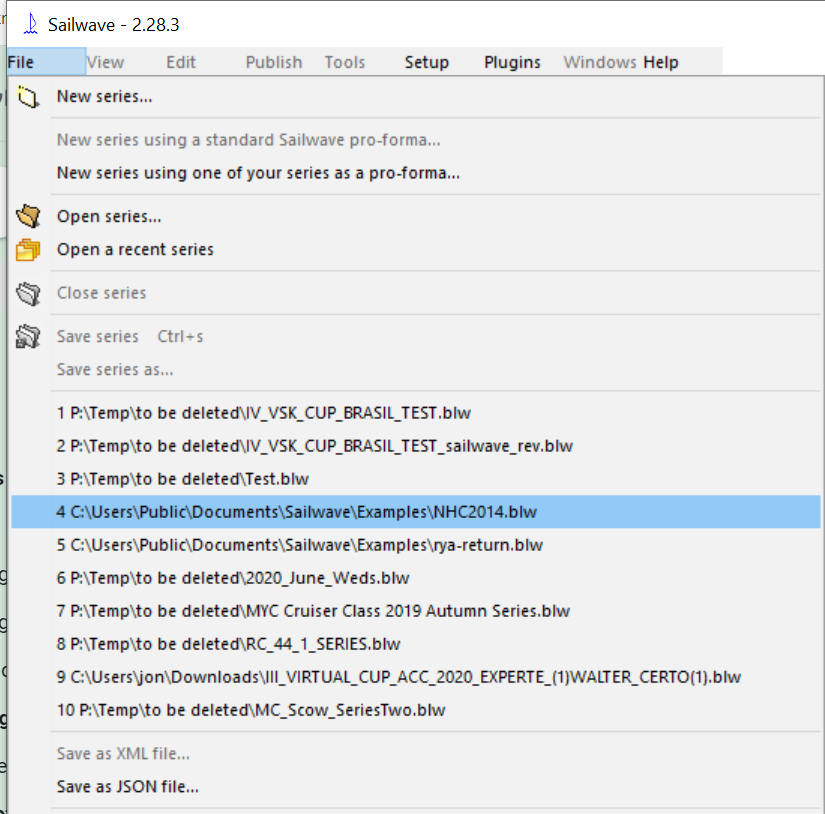
The file tab seems to be about the same size to me - is yours much different than these?
Regards
Jon
Jon Eskdale

03333 443377
07530 112233