Hi
I’m trying to problem-solve my version of Sailwave not updating P and N using the SWHelper.ini file.
I checked the version of Sailwave and it is File version 2.38.2.0
I deleted the Sailwave folder in /Programsx86
I’ve gone to Version 2.38.2-1 | Sailwave and downloaded the .exe file from the link at the bottom of the page
I’ve installed the program but it still shows as 2.38.2.0
Do I have the correct page? Is the link to the correct version?
I’m using a Mac running Windows 11 on VMWare Fusion 13.
Thanks
Trevor
Hi Trevor,
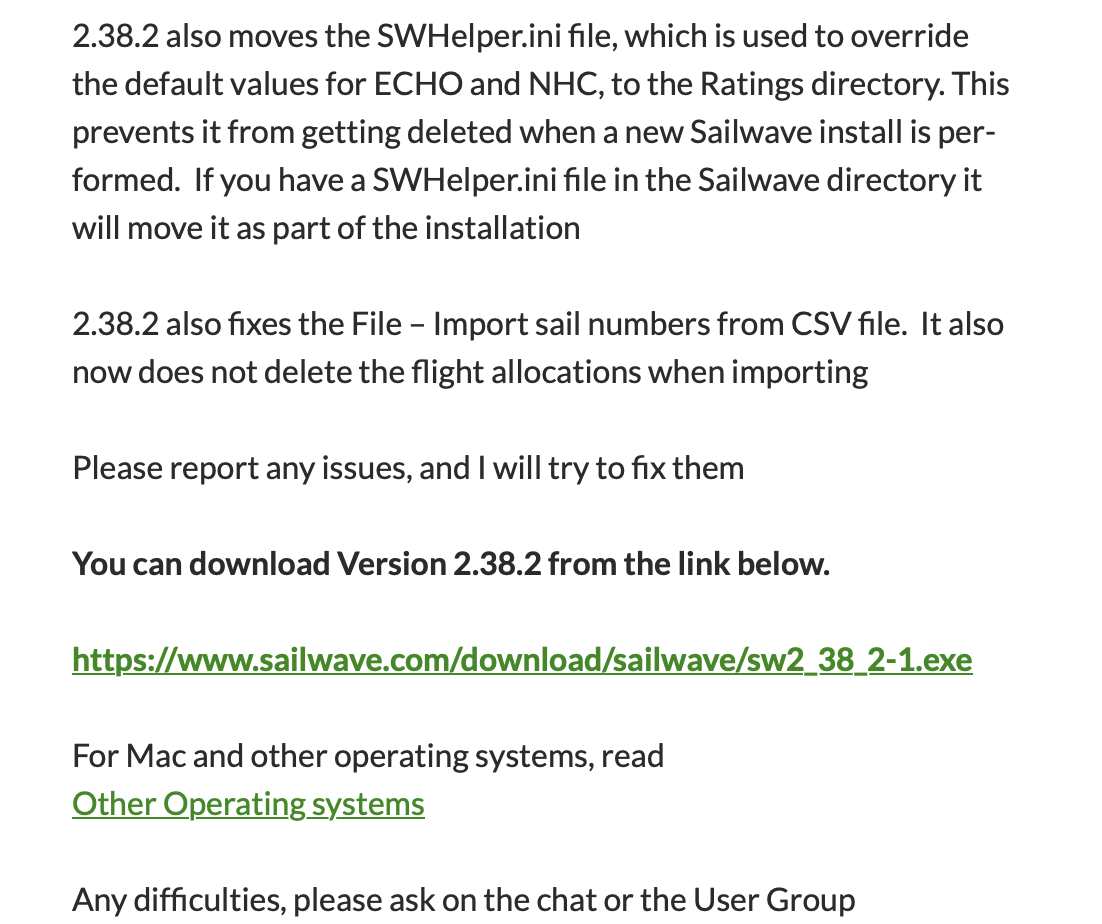
Have you seen this forum thread - Changing the Minimum number of boats for NHC to kick in - #4 by Sailwave - it might be useful as it explains a change that arrived in Sailwave v2-38-2/1.
When version v2-38-2/1 is installed it still shows as v2-38-2.
Kind regards,
Huw
Hi Huw
Thanks for your reply. Yes I had read that post.
My SWHelper.ini file reads
[Parameters]
AdjustP = 0.99
AdjustPX = 0.99
AdjustN = 0.01
AdjustNX = 0.01
SD_Under = 2.00
MinFin = 3
I’m sure it’s in the correct directory ../Ratings
I have the scoring system set as RYA NHC External/Debug
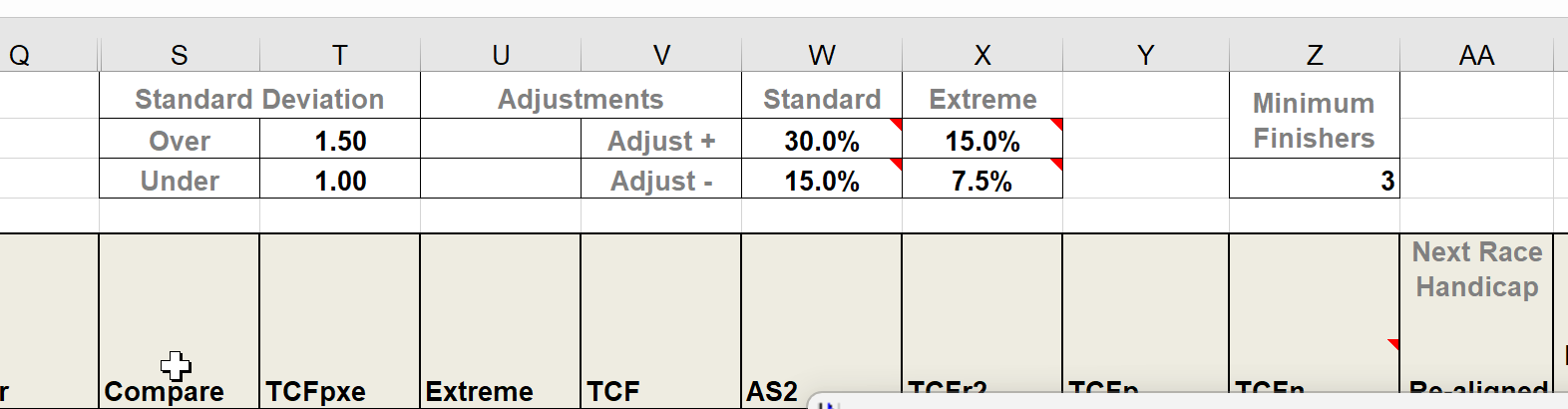
Yet the table in the Excel sheet shows what I believe are the default parameters for P, N, and SD_Under.
I can’t read the code in SWHelper.exe so I don’t know when the SWHelper.ini file is read, but I’ve gone right back to shutdown Windows and restarted with a new series.
Any thoughts on how to resolve this problem?
Thanks and kind regards
Trevor
Hi Trevor,
I am sorry you are still having problems.
My understanding is that SWHelper.ini information is only used if RYA NHC internal mode is selected. I will check with Jon though.
You will have to edit the Excel template file if you are using external mode.
Kind regards,
Huw
Hi Trevor,
As Huw correctly said the SWHelper.ini is only used when using the internal calculations
If you are using external models then the template values will be used.
If you run DebugView or DebugView++ in the background you will see some of the output from SWHelper and it may clarify something for you
If you still have an issue if you could explain what the issue is I’m sure someone will assist you
Regards
Jon
Thanks for your help Huw and Jon.
Kind regards
Trevor