Hi everyone,
A quick update.
I have found a solution to no text appearing in for example Edit Competitor pop-up window  when using openSUSE Tumbleweed system running WINE 7.7. Still to be tested on other Linux environments.
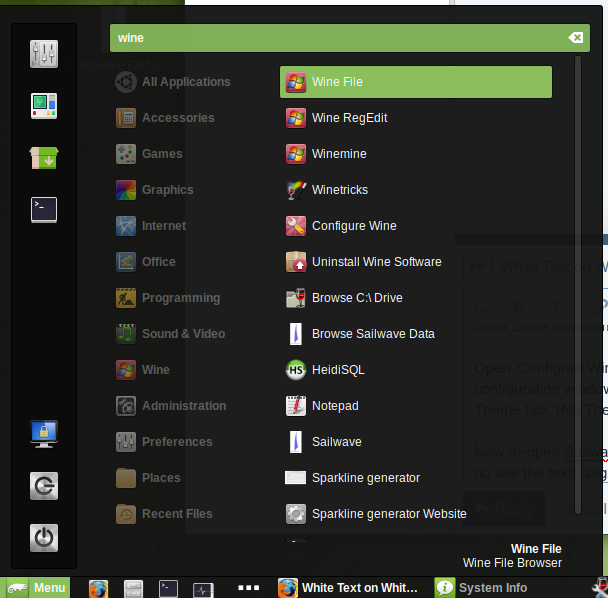
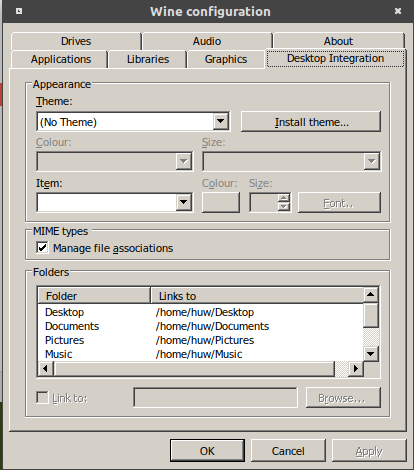
Open ‘Configure Wine’ , found by entering Wine in the menu search box. When the Wine configuration window opens select ‘Desktop integration’ tab, now select from drop down list beside Theme box ‘(No Theme)’ followed by clicking Apply button.
Now re-open Sailwave double click a competitor to open Edit Competitor window and one should now see the text!
One issue solved, now on to the next.
Kind regards,
Huw